
Website speed on mobile networks in India comes down to four basics: a quick server, light images, little JavaScript and good caching. Many visitors browse on mid-range phones and uneven mobile data. So, a page that feels instant on office Wi-Fi can crawl in a customer’s hand.
Key Takeaways
- Test on a real phone, not a fast laptop.
- Heavy images and scripts cause most delays.
- A slow server slows everything else.
- Small fixes bring big gains.
Why Website Speed on Mobile Matters More Here
For example, signal strength changes from street to street. Meanwhile, many phones have modest processors, and data plans have limits. Consequently, every extra file costs your visitor time and money. Google also measures real visitor experience through Core Web Vitals, so slow pages can affect your search visibility too.
Your test: a fast laptop, strong Wi-Fi and stored files. Pages feel instant.
Their reality: a mid-range phone, uneven data and no stored files. Every extra file counts.
What Really Matters
A Fast Server
The first response sets the pace. An overloaded, cheap host slows every page.
Light Images
Compress photos, and serve the right size for each screen. Otherwise, large images stay the usual culprit.
Less JavaScript
Every script must download and run. As a result, mid-range phones struggle with heavy code.
Smart Caching
Stored pages and a nearby CDN let return visits load quickly.
How to Test Like Your Visitors
- Use a mid-range phone, not your best one.
- Switch off Wi-Fi, and test on mobile data.
- In Chrome DevTools, throttle the network to a slow setting.
- Run PageSpeed Insights on the mobile tab.
- Check your slowest page types, not just the homepage.
Quick check: open your homepage on your phone with Wi-Fi off. If the main content takes more than a few seconds, you know the problem. Then, start with images and scripts.
Quick Wins to Start With
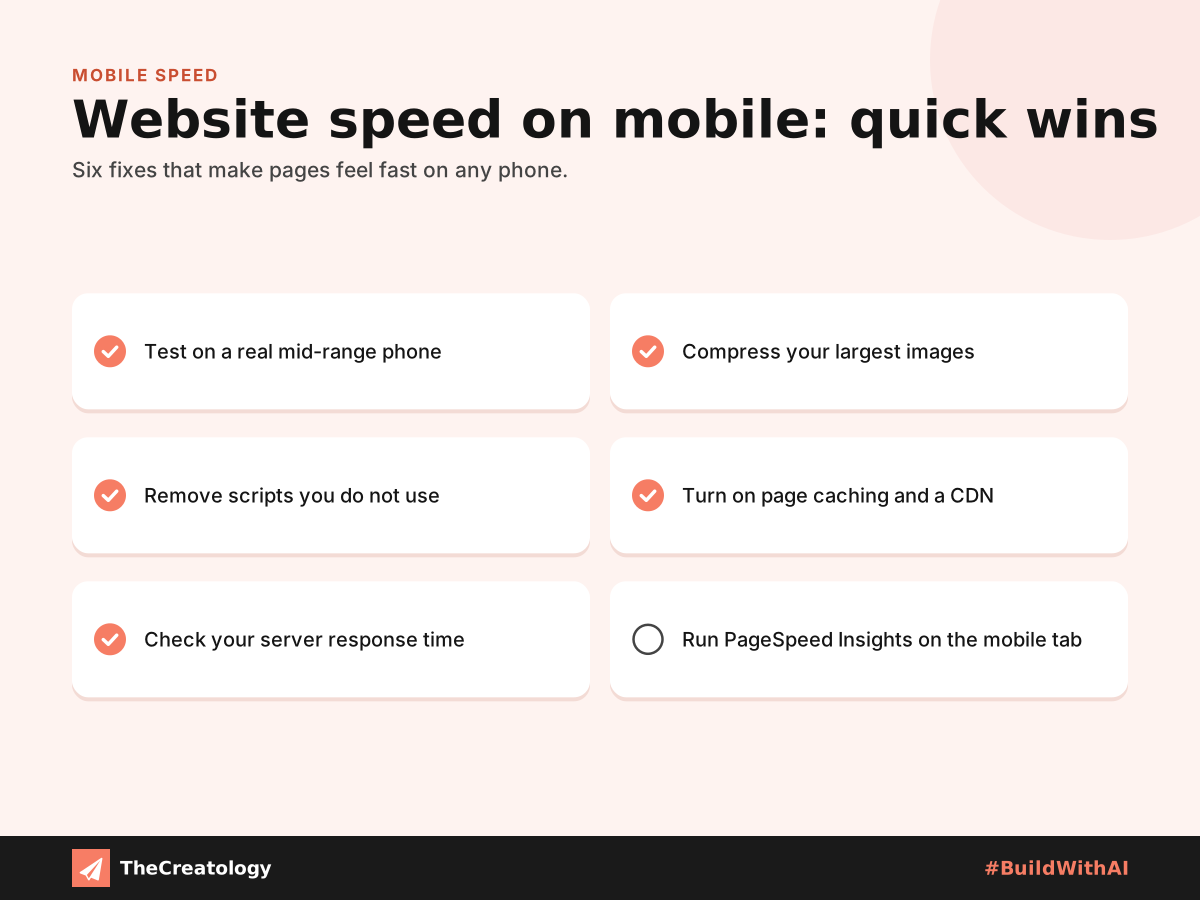
First, compress your largest images. Next, remove scripts you do not use, because extra code adds hidden performance debt. Then, turn on page caching and add a CDN. Finally, check your server, since a slow server stops intelligent tools from citing your site.
Common Speed Mistakes to Avoid
Some habits quietly slow a site down. For example, many owners upload photos straight from a phone camera, so each image weighs far more than it needs to. Others install a plugin for every small job. As a result, each page carries code that visitors never use.
Also, avoid testing only on your best device. Instead, check the site on an older phone now and then. Then, compare the results after every big change. Over time, this habit shows you which change helped, and which one quietly hurt.
Website Speed on Mobile: Common Questions
What is a good load time on mobile?
Aim for the main content within about 2.5 seconds. That is Google’s target for Largest Contentful Paint, so use it as your goal.
Does a CDN help in India?
Usually, yes, when it has servers near your visitors. However, check where its servers are before you choose.
Should I build a separate mobile site?
No. Instead, one light, responsive site is easier to maintain and rank.
In short, test on a real phone, and trim what visitors must download.
Want a website that feels fast on every phone? Talk to TheCreatology about web design and development, and #BuildWithAI.




Comments
Felt something? How about posting a comment below…