Off-the-shelf software stops fitting when your team spends more time working around it than working with it. Ready-made tools suit a young business well. However, as your processes become unique, workarounds pile up, and custom software starts to cost less than the daily friction.
Key Takeaways
- Ready-made tools are ideal in the early days.
- Workarounds are the clearest warning sign.
- Configure and connect before you rebuild.
- Start custom work small, then grow it.
What Is Off-the-Shelf Software?
Off-the-shelf software: a ready-made product, sold to many businesses, with the same features for everyone. Accounting apps, billing tools and standard stock systems are common examples.
These tools are quick to start, affordable and well tested. Therefore, they are the right first choice for most small businesses. The trouble begins later, when your way of working no longer matches the product’s way of working.
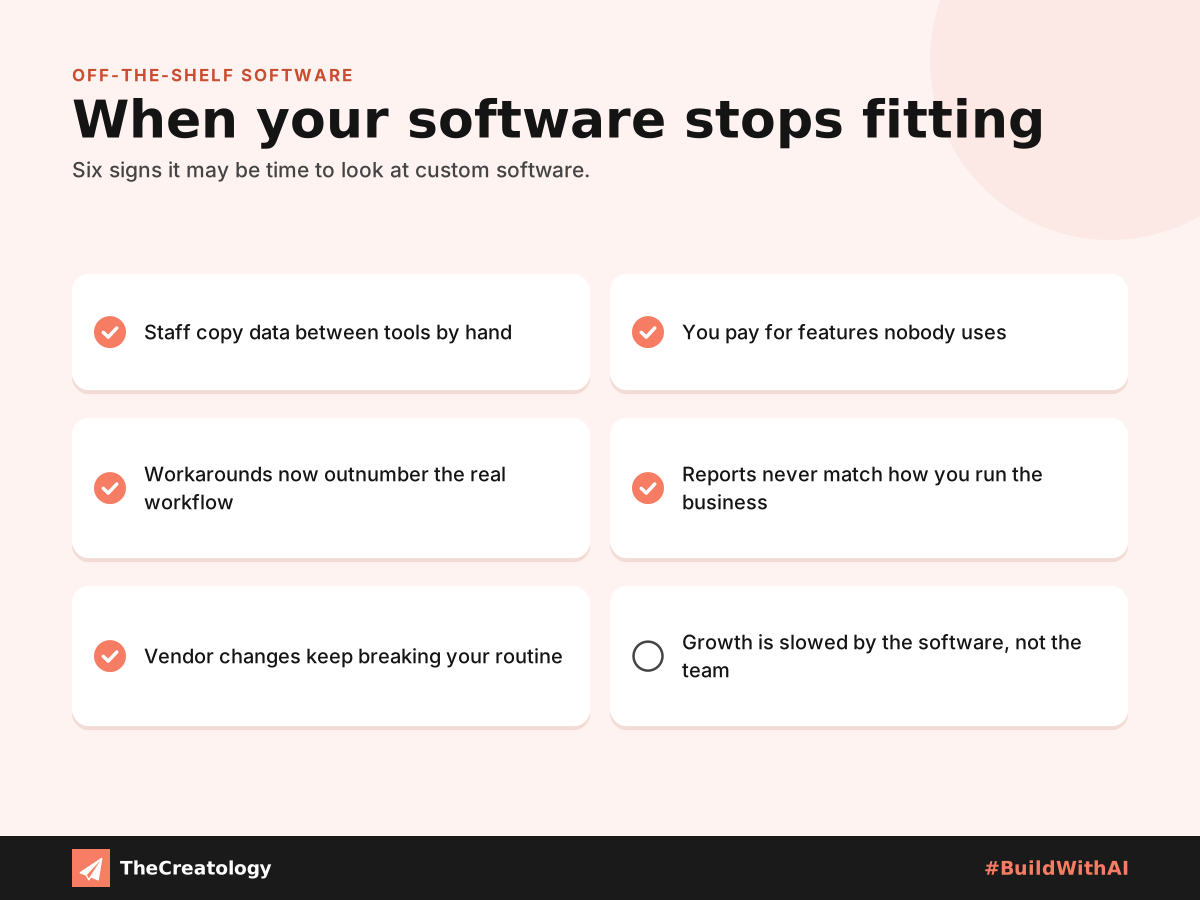
Six Signs Off-the-Shelf Software No Longer Fits
Manual Copying
Staff retype the same data into several tools. As a result, errors creep in and hours disappear.
Unused Features
You pay for a long feature list, yet your team uses a small part of it.
Endless Workarounds
Spreadsheets and sticky notes fill the gaps the software leaves behind.
Reports That Miss
The numbers you need are never quite the numbers the software shows.
Weigh the Real Cost
Subscriptions look cheap each month. Meanwhile, the hidden cost sits in lost hours, repeated mistakes and slower growth. Moreover, you depend on one vendor’s roadmap, which is known as vendor lock-in. So, compare the full picture, not just the price tag.
Keep the tool: low upfront cost and quick setup, but ongoing friction and limited control.
Build custom: higher upfront effort, but a perfect fit, full ownership and room to grow.
Your Options Before Going Fully Custom
- Configure what you already have, because many settings go unused.
- Connect your tools, so data flows without retyping.
- Build one small custom module for your biggest pain point.
- Replace the core system only when the first three steps fall short.
Quick check: list the three tasks that waste the most time each week. If one software change could remove them, that is your starting point.
Where Intelligent Tools Fit In
Custom software can include intelligent tools that draft replies, sort enquiries and flag unusual orders. However, they need clean data and human review. Likewise, agents that write code still need human cleanup. So, pair these tools with an experienced developer, and plan for ongoing maintenance from day one.
Off-the-Shelf Software: Common Questions
Is custom software always more expensive?
Not over time. The upfront cost is higher, yet it can remove subscriptions, workarounds and wasted hours.
How long does custom software take to build?
It depends on scope. A small module arrives sooner than a full system, so start small.
Can I keep my current tools alongside custom software?
Yes. Integrations let new and existing tools share data, so you can change step by step.
In short, keep ready-made tools while they serve you, and build custom when they hold you back.
Wondering whether custom software would fit your business? Talk to TheCreatology about custom software and #BuildWithAI.




Comments
Felt something? How about posting a comment below…