
Safari Notify Me lets shoppers watch a product page and get an alert when the price drops or stock returns. A good Shopify Notify Me setup takes only a few checks: keep sold-out products active, give each variant its own link, and make sure your theme shows price and stock as clear text. Most modern themes already do much of this for you.
Why Shopify Stores Should Care
Safari on iPhone and Mac includes Notify Me, so shoppers need no extra app to use it. Each watch is a shopper who plans to come back. Therefore, every product page should be easy for Safari to read and track.
The good news is that Shopify manages hosting, performance and much of the product markup for you. As a result, most of the work is simply confirming that nothing in your configuration interferes.
Shopify Notify Me Setup: The Gist
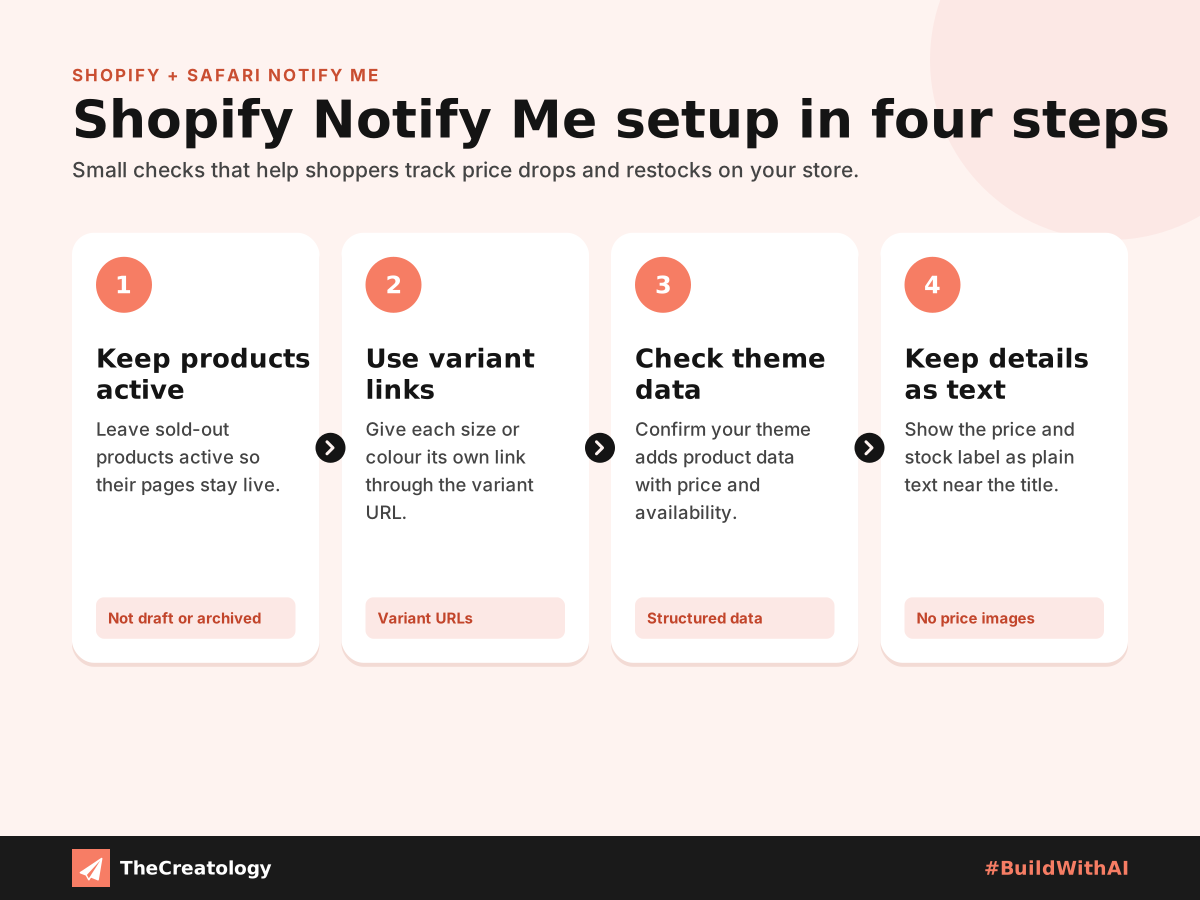
Keep sold-out products active
Notify Me watches one exact address. So when stock runs out, leave the product active rather than moving it to draft or archived, which takes the page offline. Your theme will then display a clear sold-out label instead of an error page.
Use variant links
Shopify can give each variant its own link through a variant value in the URL. In fact, many themes update this link when a shopper picks a size or colour. Check that yours does, so shoppers watch the exact option they want.
Check your theme’s product data
Most modern Shopify themes add product structured data, including price and availability. Even so, test a few product pages with a free structured data tool to confirm yours does. If it is missing, ask your developer to add it to the product template.
Keep price and stock as plain text
Some apps and custom sections show prices or badges as images, or load them late with scripts. Instead, keep the main price and stock label as simple text near the product title. As a result, shoppers see the key details straight away, even in split view on the iPhone Duo.
A Quick PageSpeed Tip
PageSpeed tip: Every Shopify app can add its own scripts to your store. Remove the apps you no longer use, because lighter product pages load faster and respond better to taps and clicks.
Frequently Asked Questions
Do I need a Shopify app for Notify Me?
No. Shoppers set up Notify Me in Safari themselves. Your store only needs clear, stable product pages.
Should I hide sold-out products?
You can hide them from collections if you prefer. However, keep the product page itself live, so existing watches keep working.
Does this replace back-in-stock emails?
No. Email alerts still reach customers on any device. Notify Me simply provides another way for Safari users to return.
The Takeaway
A Shopify Notify Me setup is mostly about keeping what already works in place. Leave sold-out pages live, link every variant and keep important details in text. For a wider review, start with our practical UX audit for business websites. At TheCreatology, we optimise Shopify stores so every visit has a clear path back to the checkout.




Comments
Felt something? How about posting a comment below…