Custom software vs subscription tools comes down to time: subscriptions cost less at the start, while custom software often costs less over the long term. The right choice depends on your team size and how unusual your process is. So, compare the full cost over several years, not just the first month.
Key Takeaways
- Subscriptions win on a low start.
- Fees grow with every new user.
- Custom software wins on fit and ownership.
- Compare total cost over five years.
Custom Software vs Subscription: The Real Costs
Total cost of ownership: everything you pay for a tool over its whole life, including setup, running costs, extras and the time lost to workarounds.
Monthly prices look small, so they hide the bigger picture. You can read more about total cost of ownership to see why. In short, the cheapest start is not always the cheapest finish.
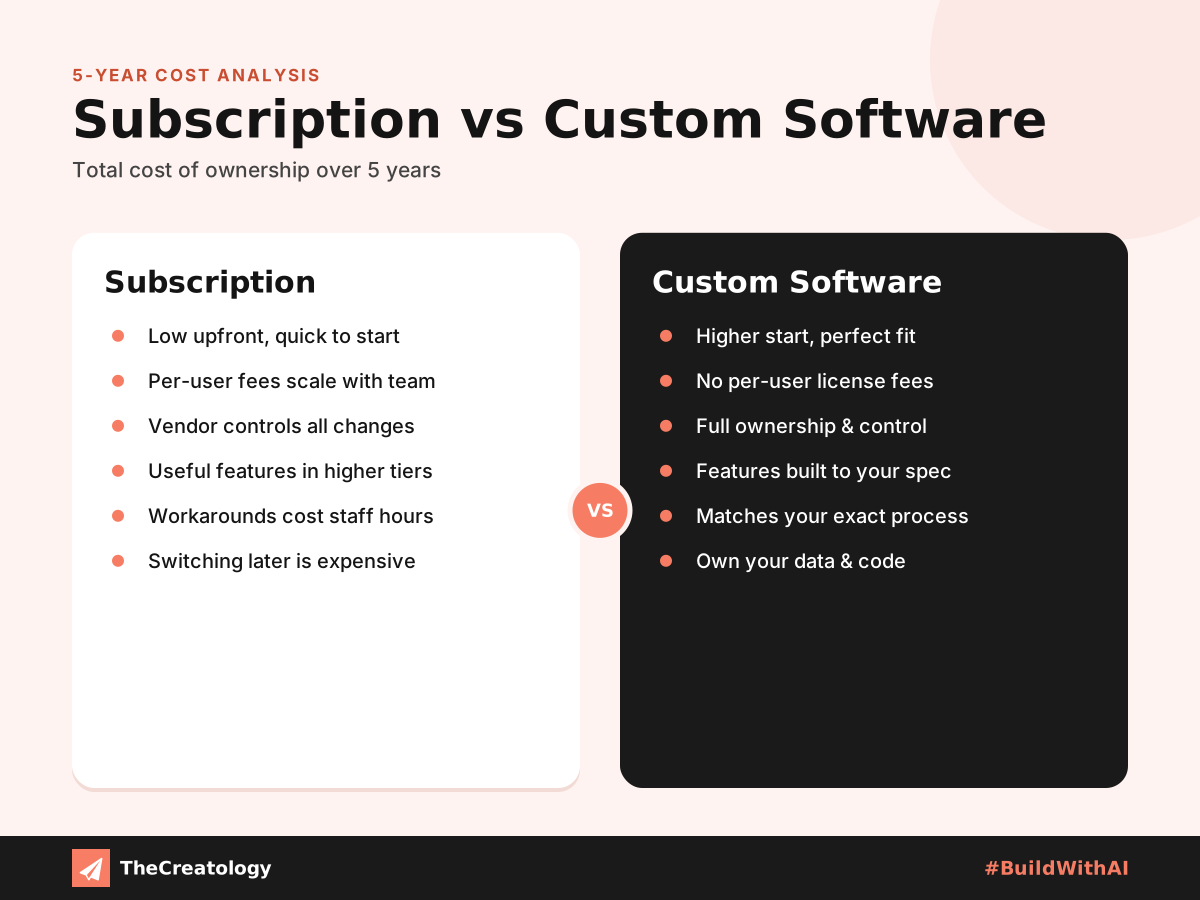
Subscription: a low start and quick setup. However, fees grow with users, and the vendor controls every change.
Custom software: a higher start. In return, you get a perfect fit, no per-user fee and full ownership. Hosting and upkeep still apply.
Costs People Forget
Per-User Fees
Every new hire adds to the monthly bill. Over several years, that adds up.
Paid Add-Ons
Useful features often sit in higher plans. Consequently, the real price rises.
Workarounds
Staff spend hours bridging gaps with spreadsheets. That time costs real money.
Switching Costs
Moving your data away later takes effort. Therefore, leaving is harder than joining.
When Each Option Wins
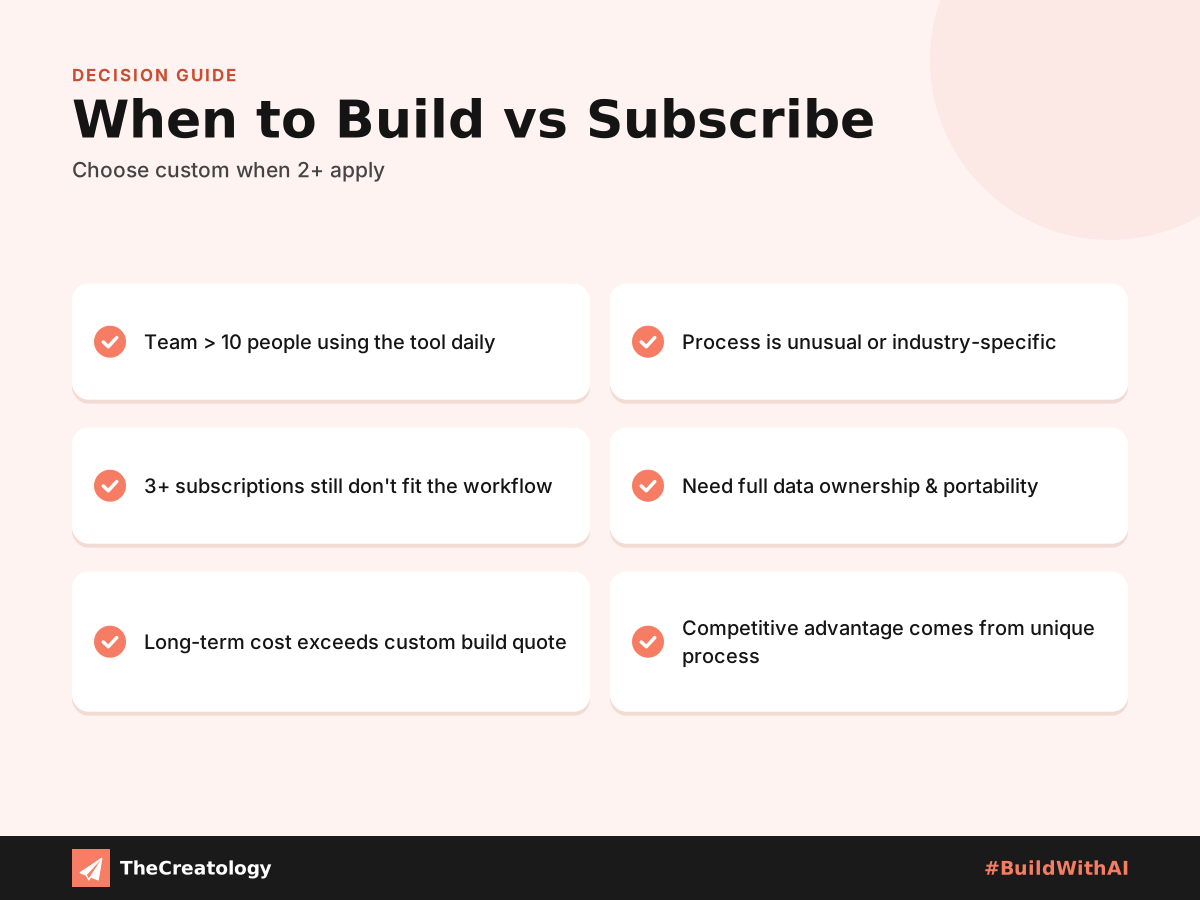
Subscriptions win for small teams with standard processes. Likewise, they suit businesses that need to start this week. Custom software wins when many people use the tool, or when your process is unusual. Furthermore, it helps when several subscriptions stack up and still do not fit.
A Simple Way to Compare
- Add every subscription fee over five years.
- Include add-ons and the cost of extra users.
- Estimate the hours lost to workarounds.
- Ask for a custom quote that includes upkeep.
- Compare both totals side by side.
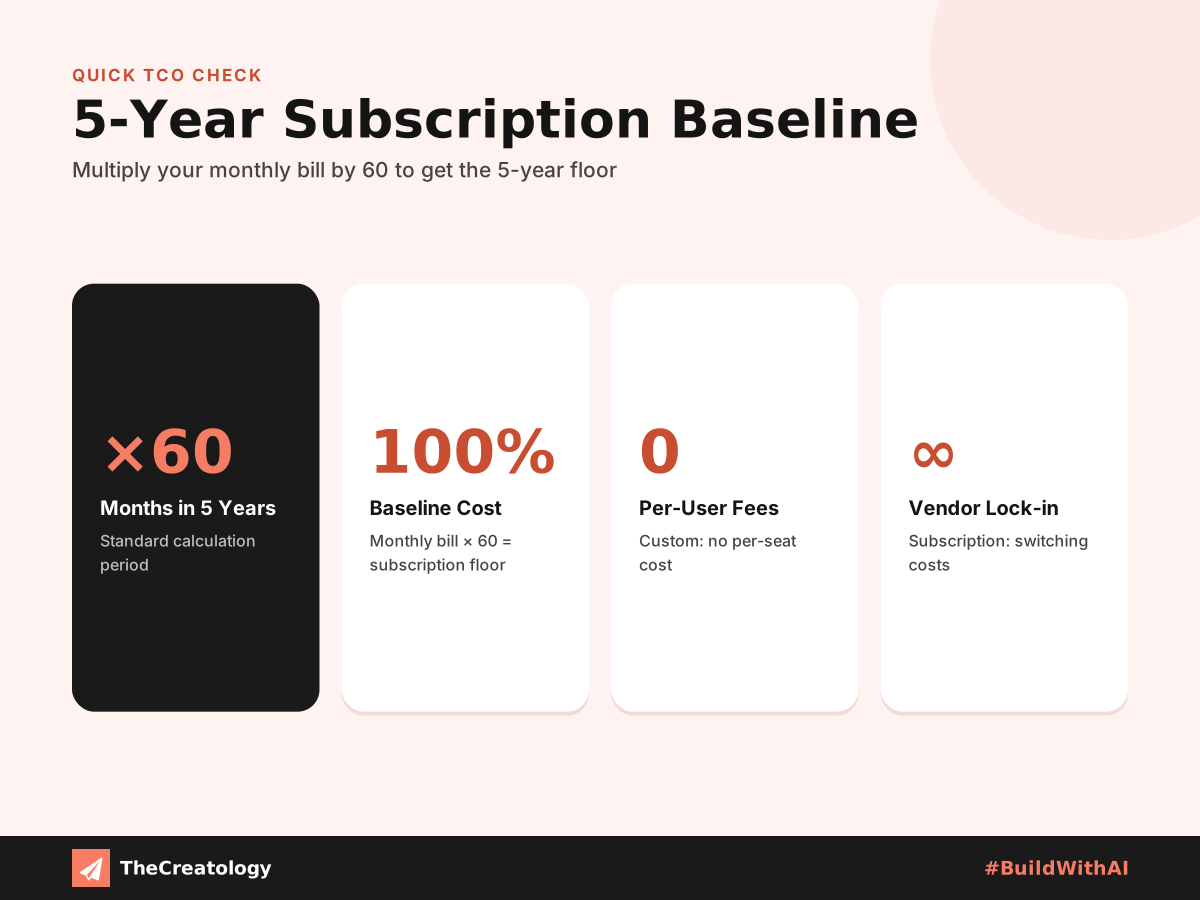
Quick check: multiply your monthly software bill by 60. Then, ask whether a tailored system would cost less over those five years.
You do not have to choose one side. Many firms keep subscriptions for standard needs, and build custom software for the core process. Our guide explains when off-the-shelf software stops fitting your business, while ERP for small businesses shows how to start small.
Plan for Upkeep Either Way
No software is free of care. A subscription includes updates, but you still pay for them every month. Custom software gives you control, yet it needs hosting, security updates and small improvements over time.
Therefore, ask every vendor what upkeep costs and who handles it. Also, plan a yearly review of your tools. In that review, check what you use, what you pay for and what no longer fits. Then, decide whether to keep, replace or rebuild each one.
Custom Software vs Subscription: Common Questions
Is custom software always cheaper over time?
No. For a small team with standard needs, a subscription often stays cheaper.
Who owns custom software?
You should. However, agree on ownership of the code and data in writing before work starts.
Can I start with a subscription and switch later?
Yes. Export your data regularly, so a later move stays easy.
In short, compare the total cost over years, not the monthly price.
Want a clear cost comparison for your business? Talk to TheCreatology about custom software and ERP, and #BuildWithAI.


Comments
Felt something? How about posting a comment below…